Apps Icon Change App: Transform Your Phone with Stylish Custom Icons
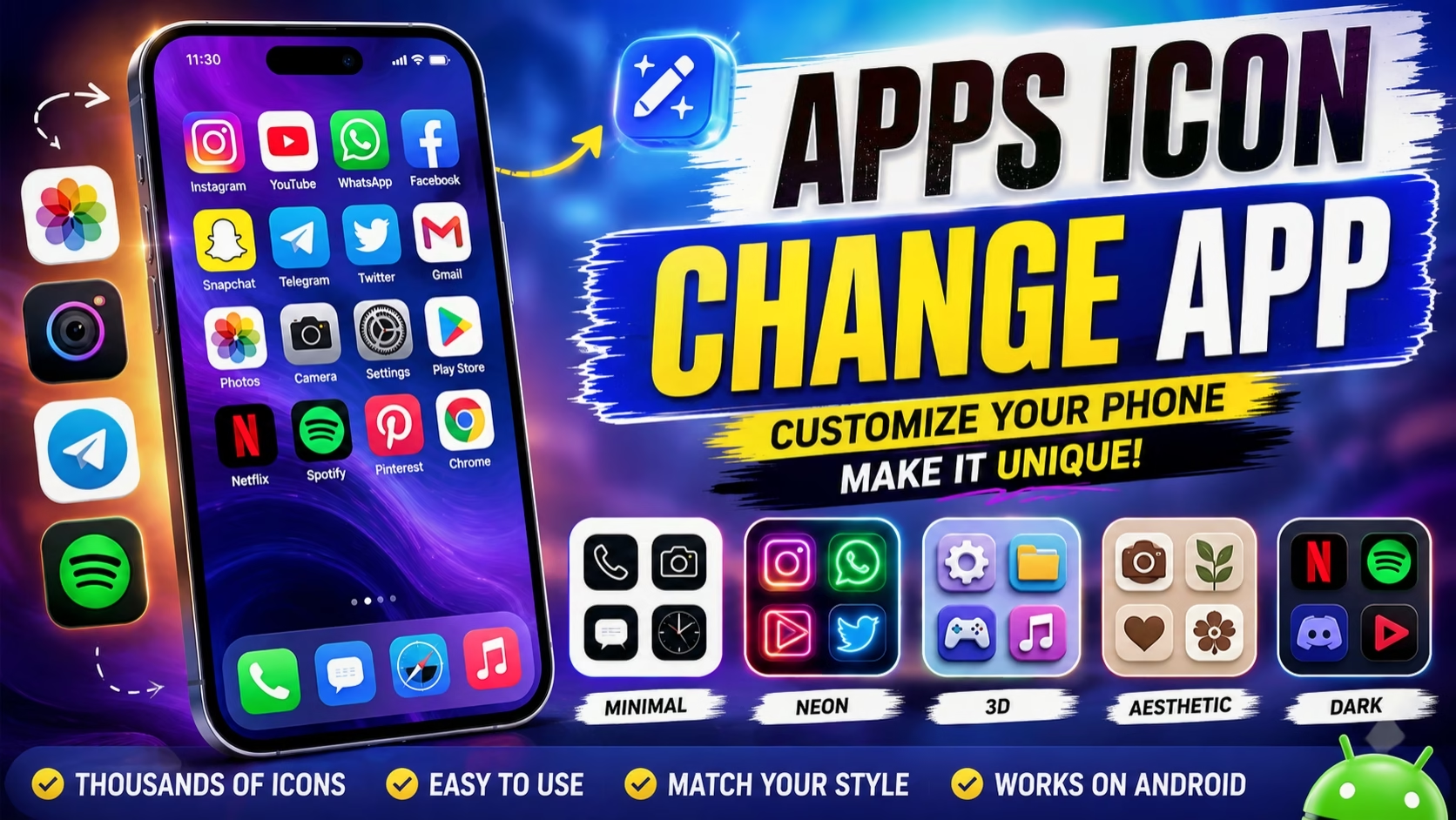
Smartphones have become more than just communication devices—they are a reflection of personal style. One of the easiest ways to make your phone look unique is by changing the app icons on your home screen. Instead of using the default icons provided by your phone, you can customize them with modern, colorful, or minimalist designs that perfectly match your wallpaper and widgets. Today, many Apps Icon Change Apps are available for both Android and iPhone, making it simple for anyone to personalize their device without any technical knowledge.
Customizing app icons is one of the biggest trends among smartphone users, especially on social media platforms where aesthetic home screen setups are becoming increasingly popular. Whether you prefer a clean minimal look, a dark theme, vibrant colors, or a futuristic design, icon customization apps give you complete freedom to redesign your phone. With just a few taps, you can create a home screen that looks stylish, professional, and completely different from the default layout.
What is an Apps Icon Change App?
An Apps Icon Change App is a customization tool that allows users to replace the default app icons with custom-designed icons. In most cases, these apps do not modify the original application itself. Instead, they create a shortcut with a new icon that opens the original app when tapped. This method is safe, simple, and widely supported on modern smartphones.
Some Android brands also provide built-in theme stores that allow users to change icons directly, while third-party launchers offer even more advanced customization options. However, dedicated icon changer apps are popular because they provide thousands of creative icon packs and require very little setup.
Why Change App Icons?
Changing app icons is not only about making your phone look attractive. It also helps create a personalized user experience. A matching set of icons, wallpaper, and widgets can completely transform the appearance of your home screen. Many users enjoy creating themes based on their favorite colors, gaming setups, nature, anime, or professional workspaces.
Custom icons can also improve visual organization. For example, you can use one style for productivity apps, another for entertainment apps, and a different design for social media. This makes your phone feel more organized while maintaining a beautiful appearance.
Popular Features of Icon Customization Apps
Most Apps Icon Change Apps include a wide range of useful customization features. These apps usually provide thousands of professionally designed icon packs in different styles, including minimal, glass, neon, dark mode, gradient, vintage, pastel, and 3D icons. Many applications also allow users to upload their own images to create completely custom icons.
Some apps include built-in wallpaper collections that perfectly match the selected icon pack. Others provide ready-made home screen themes with widgets, clocks, calendars, and aesthetic layouts. This allows users to redesign their entire home screen in just a few minutes.
Several icon customization apps also support automatic icon recommendations based on your wallpaper colors. This feature helps create a consistent and visually appealing interface without requiring manual adjustments.

How to Change App Icons
Changing app icons is usually a straightforward process. First, install an icon customization app from your device’s app store. Browse through the available icon collections and choose a design that matches your preferred style. Select the application you want to customize and apply the new icon. The app will create a shortcut with the selected icon on your home screen. You can then remove the original shortcut if desired while keeping the original app installed.
For users who want complete customization, combining an icon changer with a custom launcher can unlock additional features such as gesture controls, grid adjustments, and advanced animations.
Benefits of Using Apps Icon Change Apps
One of the biggest advantages of icon customization is personalization. Your smartphone becomes unique and reflects your creativity instead of looking like every other device. A well-designed home screen can also improve your overall user experience by making the interface cleaner and more enjoyable to use.
These apps are also ideal for content creators who frequently share smartphone setups on Instagram, YouTube, or Pinterest. A customized home screen attracts more attention and gives your content a premium appearance. Many technology influencers regularly redesign their phone layouts to keep their content fresh and visually appealing.
Another advantage is flexibility. Since most icon changer apps create shortcuts instead of modifying system files, users can easily switch back to the default icons whenever they want without affecting their installed applications.
Things to Keep in Mind
Although icon customization apps are easy to use, there are a few important considerations. Some phones may display a small shortcut indicator on customized icons depending on the Android version or launcher being used. Premium icon packs may also require a one-time purchase or subscription. Additionally, not every application supports dynamic icons such as clocks or calendars when using third-party shortcuts.
For the best experience, users should download customization apps from trusted developers and regularly update both the app and their phone software to ensure compatibility.
Best Use Cases
Apps Icon Change Apps are perfect for students, professionals, content creators, gamers, and anyone who enjoys personalizing their smartphone. They are especially useful for people who want to create aesthetic home screens, showcase their phone setups on social media, or simply make their device feel fresh without purchasing a new phone.
As smartphone customization continues to evolve, icon changer apps are becoming more powerful and user-friendly. With thousands of creative designs, matching wallpapers, and widget support, these apps provide an easy way to transform an ordinary home screen into a visually impressive and personalized experience.
Final Thoughts
Apps Icon Change Apps have completely changed the way people customize their smartphones. Instead of being limited to standard system icons, users can now create stylish, colorful, and professional-looking home screens with minimal effort. Whether you prefer a clean minimalist setup or a bold creative theme, icon customization offers endless possibilities.
If you enjoy personalizing your smartphone, experimenting with themes, or creating eye-catching phone setups for social media, an Apps Icon Change App is definitely worth trying. With the right combination of icons, wallpapers, and widgets, you can give your device a completely new identity while maintaining smooth functionality and an enjoyable user experience.
