Fluid App: Download Fluid Simulation for Android and iPhone – Features, Uses & Complete Guide
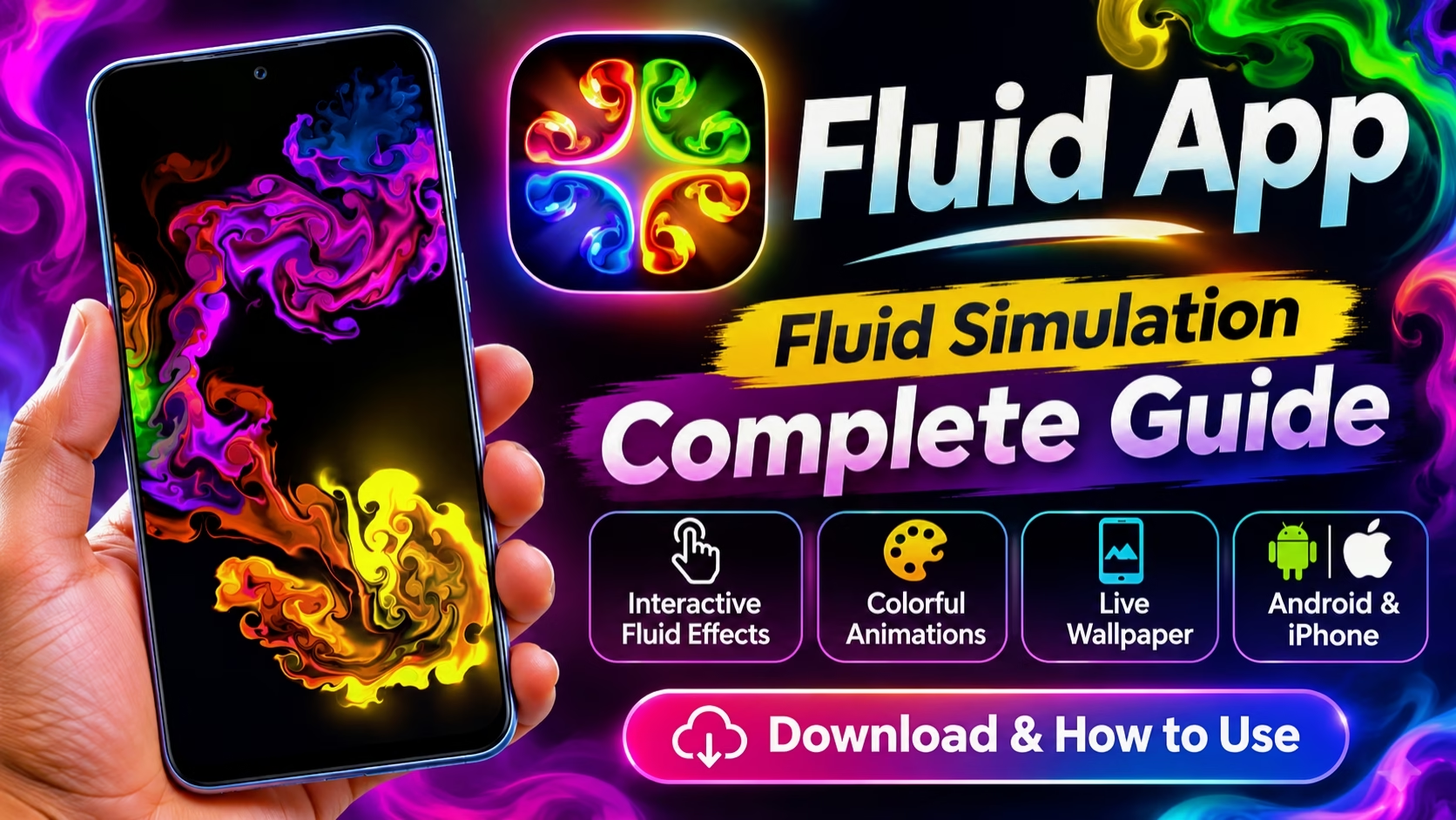
Have you ever imagined creating colorful liquid animations simply by touching your smartphone screen? The Fluid Simulation app makes this experience possible by transforming ordinary finger movements into beautiful digital fluid art. With its vibrant colors, realistic-looking liquid movements, glowing effects, and interactive animations, Fluid Simulation has become an interesting application for people who enjoy creative smartphone experiences. Whether you want to explore digital art, customize your mobile screen, or enjoy mesmerizing visual effects, the Fluid app offers a unique experience worth discovering.
What Is the Fluid App?
Fluid Simulation is an interactive visual application that allows users to experiment with colorful fluid animations directly on their smartphones. Unlike traditional wallpaper applications that display static images, this application creates dynamic visual patterns that respond to touch gestures. When you move your fingers across the screen, the virtual liquid begins flowing in different directions, producing beautiful combinations of colors and shapes.
The application uses fluid simulation technology to generate smooth movements that resemble liquid, smoke, and flowing paint. These animations continuously change according to the user’s interactions, making every experience different. Users can create their own visual patterns without needing professional design skills or advanced editing knowledge. This combination of creativity, entertainment, and simplicity makes Fluid Simulation an attractive application for smartphone users.
How Does Fluid Simulation Work?
The main concept behind Fluid Simulation is interactive movement. When a user touches the screen, the application creates motion within the simulated fluid environment. Moving fingers generate different directions of flow, while repeated gestures can create complex patterns and colorful combinations. The fluid continuously moves and blends, creating a visual experience that feels smooth and responsive.
The application is designed to make these interactions simple and enjoyable. Users do not need to understand complicated animation techniques or digital art software. They can simply open the application, touch the display, and begin experimenting. Every movement produces a different result, which makes the experience interesting even after using the application multiple times.
Beautiful Colors and Stunning Visual Effects
One of the biggest attractions of the Fluid app is its colorful visual presentation. The application can display combinations of purple, blue, pink, green, yellow, orange, and other vibrant shades. These colors blend together naturally, creating artistic patterns that resemble flowing liquid paint or colorful smoke.
The dark background combined with glowing colors can produce particularly attractive visual effects. Purple and blue combinations create a futuristic appearance, while yellow and orange patterns provide a bright and energetic look. Users who enjoy colorful animations and aesthetic visuals may find these effects especially interesting.
The constantly changing patterns also make the application suitable for experimenting with different visual styles. Instead of displaying the same image repeatedly, Fluid Simulation produces continuously evolving artwork based on touch interactions.
Fluid App for Smartphone Customization
Smartphone customization has become increasingly popular among Android and iPhone users. People frequently change their wallpapers, icons, themes, and screen appearance to create a personalized experience. Fluid Simulation adds another creative option by introducing interactive liquid animations.
Depending on the application version and supported features, users may be able to apply fluid effects as live wallpapers. These animated backgrounds can make a smartphone home screen look more dynamic than traditional static wallpapers. The moving colors and smooth patterns create an interesting visual appearance, especially on smartphones with high-quality displays.
However, users should remember that animated wallpapers may consume more battery power than static backgrounds. Battery consumption can depend on the device, display settings, and animation configuration.
How to Use the Fluid Simulation App
Using Fluid Simulation is relatively simple, making it suitable for beginners and experienced smartphone users alike. After downloading and installing the application, users can open it and immediately begin exploring the interactive animation experience. Touching the screen creates movement within the fluid, while dragging fingers across different areas produces flowing patterns and colorful effects.
Users can experiment with slow movements, quick swipes, circular gestures, and repeated touches to observe different animation results. The experience becomes more interesting when experimenting with different directions and movement patterns. Depending on the available settings, users may also be able to adjust visual effects, colors, and other animation preferences.
The application does not require complicated tutorials to get started. Its touch-based interaction makes it easy for almost anyone to understand how the animations respond to their movements.
Fluid Simulation App Download for Android
Android users can download the popular Fluid Simulation application by Pavel Dobryakov through the Google Play Store. The application is designed for compatible Android smartphones and provides an interactive fluid animation experience.
The official Android download page is available here:👇👇
https://play.google.com/store/apps/details?id=games.paveldogreat.fluidsimfree
Before installing the application, users should check the supported Android version, device compatibility, permissions, and available storage requirements. Downloading the application from the official Google Play Store is recommended to avoid unofficial or modified versions that may contain unwanted software.
Fluid Simulation App for iPhone
iPhone users can also explore the popular Fluid Simulation application through the Apple App Store. The iOS version provides a similar creative experience, allowing users to interact with colorful fluid animations directly on their device.
The official iPhone download page is available here:
https://apps.apple.com/app/fluid-simulation/id1443124993
Availability, pricing, and certain features may vary depending on the platform and application version. Users should check the official App Store listing for the latest information before downloading.
Is Fluid Simulation a Free App?
The popular Fluid Simulation application offers a free Android version, while certain platform versions or additional features may involve in-app purchases. The availability of free features and paid options can change over time, so checking the official app store listing is the best way to understand the current pricing.
Users can explore the application and its available features before deciding whether they want to purchase additional functionality. It is always recommended to review the application description and payment information carefully before making a purchase.
Can Fluid Simulation Be Used for Digital Art?
Fluid Simulation can also be interesting for people who enjoy experimenting with digital art. The colorful patterns generated by the application can provide inspiration for artistic backgrounds, visual compositions, and creative experiments. Although it is not a traditional professional graphic design application, its interactive animations offer an enjoyable way to explore colors and movement.
Content creators may also find the application useful when experimenting with aesthetic visuals or recording creative screen interactions. The generated patterns can inspire different background concepts, particularly for content that focuses on technology, creativity, and smartphone customization.
Is Fluid Simulation Safe to Use?
When downloading applications, users should always consider safety and privacy. Installing Fluid Simulation through official app stores is generally the recommended approach because these platforms provide application information, developer details, and security checks.
Users should review the permissions requested by the application and avoid downloading unofficial APK files from unknown websites. Keeping the application updated and using trusted download sources can help provide a safer smartphone experience.
Advantages of the Fluid App
Fluid Simulation offers several interesting advantages for smartphone users. Its simple touch controls make it accessible to beginners, while its colorful animations provide an enjoyable interactive experience. The application allows users to experiment with different movements and visual patterns without requiring advanced technical skills.
Its continuously changing animations make the experience different from ordinary static wallpapers. The colorful liquid effects can also provide creative inspiration for users interested in digital art and smartphone customization. Another advantage is that the application is available on popular mobile platforms, allowing compatible Android and iPhone users to explore its features.
Does Fluid Simulation consume battery?
Animated effects and live wallpapers may consume additional battery power depending on the smartphone, display settings, and application configuration.
Where can I download Fluid Simulation?
Android users can download it from Google Play, while iPhone users can find it through the Apple App Store using the official links provided in this article.
