WhatsApp DP Full Photo Customised App – Set Full Photo on WhatsApp Profile Without Cropping
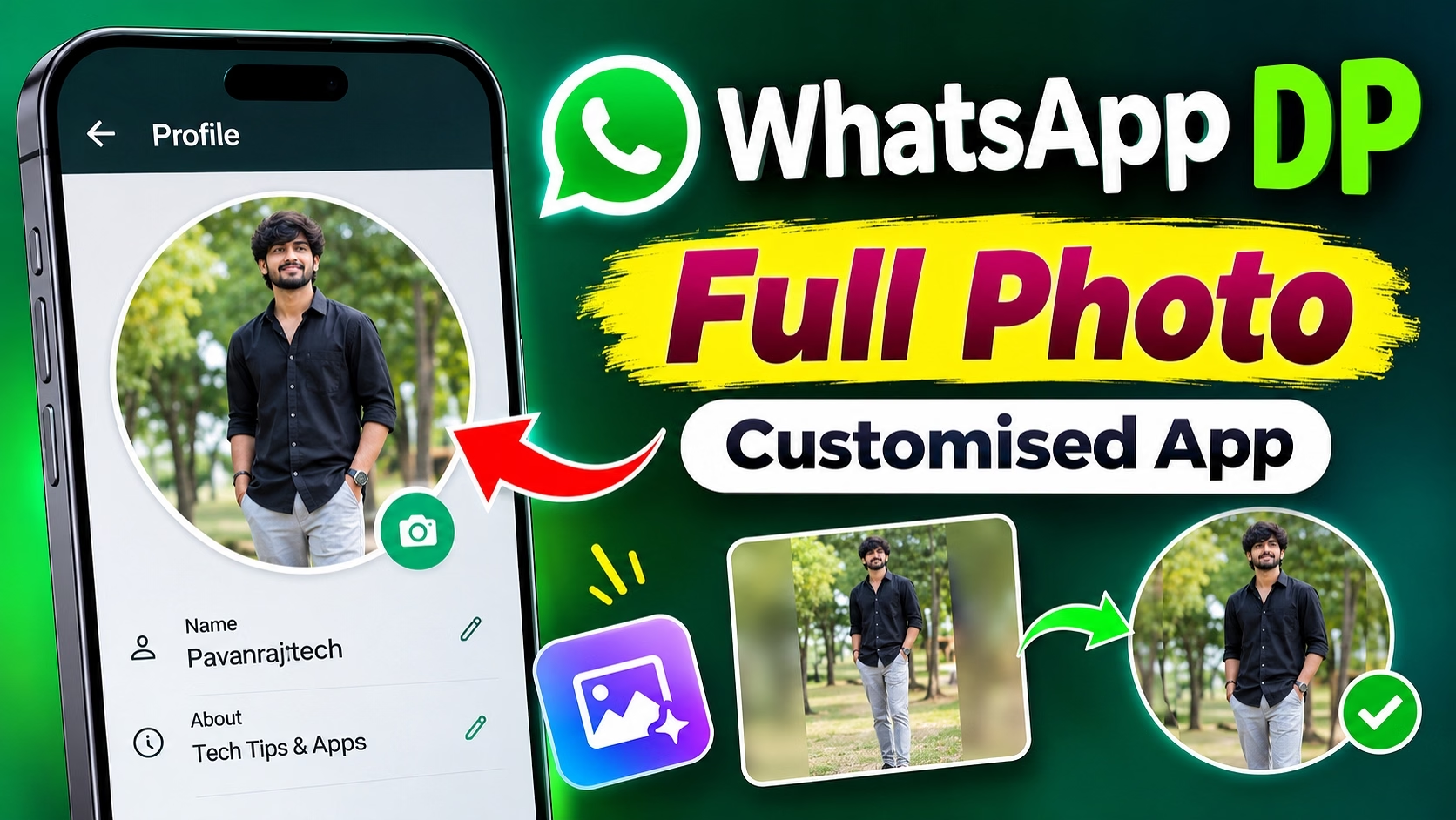
WhatsApp is one of the most widely used messaging applications in the world, and millions of people use it every day to stay connected with friends, family and colleagues. One of the most popular ways to personalise a WhatsApp account is by setting an attractive profile picture. However, many users face a common problem when uploading their favourite photos. WhatsApp automatically crops profile pictures into a circular format, which can sometimes cut out important parts of the original image. If you want to set your full photo as a WhatsApp DP without losing any details, a WhatsApp DP full photo customised app can be a useful solution.
A WhatsApp DP full photo app is designed to help users resize, adjust and customise their photographs before uploading them to their WhatsApp profile. Instead of cropping the image directly, these apps allow users to fit the entire photograph inside a square frame. Users can also customise the background with blur effects, colours, gradients and other creative options to make their profile pictures more attractive.
What Is a WhatsApp DP Full Photo Customised App?
A WhatsApp DP full photo customised app is a photo-editing tool that helps users prepare their images for WhatsApp profile pictures. These applications are particularly useful for people who want to upload full-length photos, selfies, group pictures, travel photographs or other images without cutting out important details.
When users upload a photograph directly to WhatsApp, the application adjusts the image to fit the profile picture display area. Depending on the image dimensions, this process may crop certain parts of the photo. A customised DP application can help solve this issue by resizing the image and adding additional space around it.
For example, if you have a vertical photograph taken with your smartphone camera, you can use a full-photo editing app to place the original image inside a square canvas. The empty space around the image can be filled with a blurred background, a solid colour or another customised design. This makes the photograph more suitable for WhatsApp’s profile picture format.
Why Does WhatsApp Crop Profile Pictures?
WhatsApp displays profile pictures in a circular format. Although users can upload different image sizes, the profile picture preview generally adjusts the photograph to fit the available space. This may cause some parts of the image to disappear, particularly when the original photograph is vertical or horizontal.
For example, a full-length photograph may show only the upper portion of the body after uploading it to WhatsApp. Similarly, group photos and landscape pictures may lose important details because of automatic cropping.
This is one of the reasons why many users search for WhatsApp DP without crop apps or full-size WhatsApp profile picture tools. These apps provide simple editing options that allow users to prepare photographs before uploading them.
Features of WhatsApp DP Full Photo Apps
Most customised WhatsApp DP applications offer several useful features that make photo editing simple and convenient.
Full Photo Without Cropping
The main feature of these applications is the ability to fit the entire photograph inside a square canvas. Users can adjust the image size and position without removing important portions of the original photo. This feature is especially useful for full-length portraits, selfies, wedding photos and travel pictures.
Blur Background
Blur background is one of the most popular photo customisation options. When a vertical photograph is placed inside a square canvas, the surrounding empty area can be filled with a blurred version of the same image. This creates a stylish appearance and helps the main subject stand out.
Custom Background Colours
Users can also select different background colours to make their profile pictures look clean and attractive. Simple backgrounds such as white, black, grey, blue or pastel colours can create a professional appearance. Some applications may also support gradient backgrounds.
Stylish Borders and Frames
Adding a border or frame can make a WhatsApp profile picture look more unique. Some applications provide colour borders, rounded frames, shadows and other visual effects. Users can customise the design according to their personal preferences.
Easy Photo Editing
Most WhatsApp DP maker apps are designed for beginners. Users can select a photograph from their gallery, adjust its size, choose a background and save the final image without using complicated editing tools.
How to Create a Full Photo WhatsApp DP
Creating a full-size WhatsApp profile picture is usually a simple process. First, open a WhatsApp DP customisation application on your smartphone and select the photograph you want to use from your gallery.
After selecting the image, choose the full-photo, fit-image or resize option available in the application. Adjust the image so that the entire photograph is visible inside the square frame.
Next, choose a suitable background style. You can select a blur background, a solid colour, a gradient or another option available in the application. Adjust the position and size of the image until you are satisfied with the preview.
If the app provides additional editing options, you can add borders, filters or simple effects to enhance the image. Avoid adding too many effects because WhatsApp profile pictures are displayed in a relatively small size.
Once the editing process is complete, save the customised photograph to your smartphone gallery. Now open WhatsApp, go to Settings, tap your profile picture and select the edited photograph from your gallery. Adjust the preview if necessary and save your new profile picture.
Tips for Creating a Stylish WhatsApp DP
Choosing a good photograph is important when creating an attractive WhatsApp profile picture. Try to use high-quality images with proper lighting and clear details. Natural lighting can help improve the appearance of selfies and portrait photographs.
Keep the main subject near the centre of the image because WhatsApp displays profile pictures in a circular format. Even when you use a full-photo application, some areas near the edges may not appear completely in the final profile display.
Choose backgrounds that complement your original photograph. Blur backgrounds are suitable for many portrait pictures, while simple colour backgrounds can work well for professional profile photos. If you want to use your WhatsApp account for business purposes, a clean and professional image may be a better choice.
It is also important to save the image in good quality. Using a high-resolution original photograph can help maintain clarity after editing and uploading it to WhatsApp.
Is a WhatsApp DP Full Photo App Useful?
A WhatsApp DP full photo customised app can be useful for people who frequently update their profile pictures or want to upload photographs without losing important details. These applications make it easier to resize images, customise backgrounds and create profile pictures that match individual preferences.
App link 🔗 👇👇👇
https://drive.google.com/file/d/121VtaLyGMrCV6F7GYgy_TV2vFOWjOgPx/view?usp=drivesdk
Users can create stylish selfies, full-length portraits, couple photographs, travel DPs, festival-themed profile pictures and professional images with simple editing tools.
Before installing any photo-editing application, users should check the app permissions and download applications from trusted sources. Protecting personal photographs and privacy should always be a priority.
Conclusion
WhatsApp DP full photo customised apps provide a convenient way to prepare photographs for WhatsApp profile pictures. With features such as full-image fitting, blur backgrounds, colour backgrounds, borders and basic photo-editing tools, users can create attractive profile pictures without unnecessarily cropping their original photographs.
Whether you want to upload a full-length photo, a selfie, a travel picture or a professional portrait, customising your photograph before uploading it to WhatsApp can help you achieve a better result. By using simple editing tools and choosing the right background, you can create a stylish and personalised WhatsApp DP in just a few minutes.
If you want your entire photograph to appear more clearly on your WhatsApp profile, a customised DP application can be a helpful tool to try.
